How to connect CJdropshipping to BigCommerce
To connect CJdropshipping to BigCommerce, save your CJdropshipping API key in ScrapeOra, connect your BigCommerce store with a store-level API token, import the products you want, and publish them with your pricing applied. ScrapeOra then keeps prices and stock in sync and can place and track your CJ orders.
This guide covers the whole setup and needs no code.
What you need
- A ScrapeOra account. The free plan is enough to set this up.
- A CJdropshipping account with API access.
- A BigCommerce store where you can create a store-level API account with the Products scope.
1. Save your CJdropshipping API key
In CJdropshipping, open My CJ, then Authorization and API, and generate your API key. Save it in ScrapeOra under your saved keys. It is encrypted on arrival and never shown again.
2. Create a BigCommerce API account
In the BigCommerce control panel, go to Settings, API, Store-level API accounts, and Create API account. Set Products to modify, save, and keep the Access token, which is shown once. The store hash is the code in the API path on the same screen.
3. Connect your BigCommerce store
In ScrapeOra, open Add store and choose BigCommerce. Enter the store hash and the API token, then pick a schedule and connect.
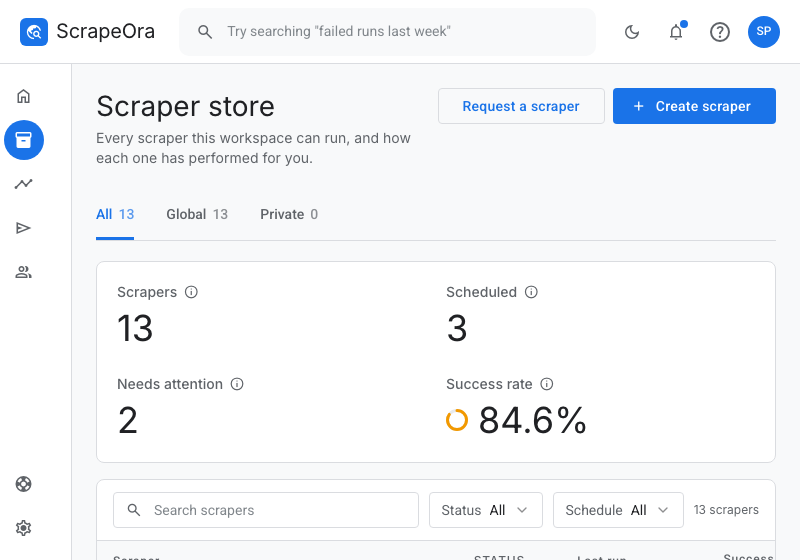
4. Import products from CJdropshipping
Paste a CJdropshipping product link to import one item, or a category link to import many. The full listing comes in with its photos, variants, SKUs, price and stock. Re-importing updates what you already have.
5. Price, publish and keep in sync
Apply your pricing rule, publish to BigCommerce, and put the import on a schedule so prices and stock stay current. Turn on automatic ordering for CJdropshipping to place each paid order and track it.
Common problems and fixes
- BigCommerce returns 403
- The API account needs Products set to modify. Edit the account, or create a new one with the right scope.
- The store hash is wrong
- The store hash is the code in your control-panel address, store-XXXXXX.mybigcommerce.com, and in the API path shown when you create the account.
- A product imported with no price
- You most likely pasted a category link. Open the product page and import from its link.
Frequently asked questions
- Are vanished products deleted?
- No. In Full sync mode a product that disappears from the supplier is hidden in BigCommerce, never deleted, so existing orders still resolve.
- Can ScrapeOra place CJdropshipping orders?
- Yes. Automatic ordering is live for CJdropshipping, opt-in per store, and only sends an order you have already been paid for.
- How often does stock sync?
- As often as your schedule runs, from every few hours to weekly.