How to do dropshipping on Wix
To do dropshipping on Wix, connect your Wix Stores site to ScrapeOra with an API key, import products from your suppliers, and publish them with your pricing applied. ScrapeOra then keeps prices and stock in sync on a schedule.
This guide covers the Wix setup and the import flow, with no code.
What you need
- A ScrapeOra account.
- A Wix site with Wix Stores.
- A Wix API key with permission to manage products, and your site ID.
- A supplier to import from, such as CJdropshipping, Printful or Printify.
1. Create a Wix API key
Open the API Keys Manager from your Wix account settings and generate an API key. Give it the Wix Stores permission to manage products. Your site ID is the long code in your site dashboard address, after /dashboard/.
2. Connect your Wix store
In ScrapeOra, open Add store and choose Wix. Paste the API key and the site ID, then pick a schedule and connect.
3. Connect a supplier and import
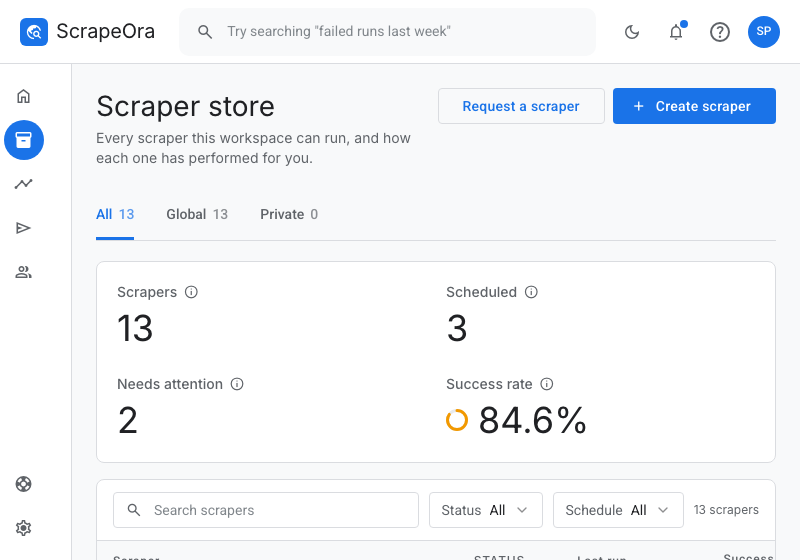
Save your supplier's API key, or paste a product link from a supplier store, then import products. The full listing comes in with photos, variants, SKUs, price and stock.
4. Price, publish and keep in sync
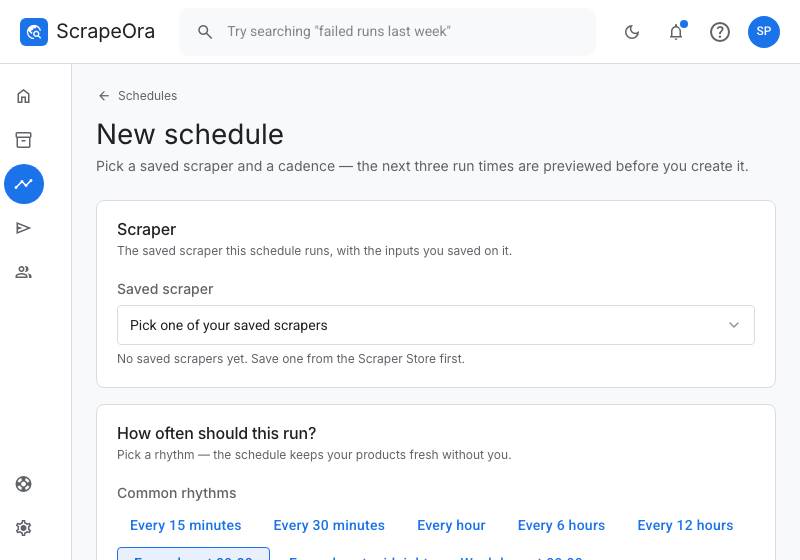
Apply your pricing rule, publish to Wix, and put the import on a schedule so prices and stock stay current. ScrapeOra shows you what changed after each run.
Common problems and fixes
- Wix returns 403
- The API key needs the Wix Stores permission for this site. Generate a new key with that permission.
- Products did not appear
- Confirm the site ID is the one for the site with Wix Stores, taken from the dashboard address after /dashboard/.
- A product is missing a price
- Products without a title or price are skipped and listed in the push report. Fill the missing value and re-run.
Frequently asked questions
- Which suppliers can I use on Wix?
- CJdropshipping, Printful and Printify through their official APIs, AliExpress in Beta, or a supplier store you import by link.
- Does stock stay accurate on Wix?
- Yes. On each scheduled run ScrapeOra refreshes price and stock, so you stop selling items that sold out.
- Can I sell the same products on Wix and another store?
- Yes. Import once and publish to several stores, each with its own schedule and pricing.