How to import AliExpress products to Shopify
To import an AliExpress product into Shopify, paste its link into ScrapeOra, let the full listing come in with its photos and variants, apply your pricing rule, and publish to your store. AliExpress import is in Beta today and works well for standard product pages.
This guide shows the whole flow and the limits to know about.
What you need
- A ScrapeOra account. The free plan is enough to try this.
- A Shopify store you can connect with an app's Client ID and secret, or an access token.
- The AliExpress product links you want to sell.
1. Connect your Shopify store
Open Add store, choose Shopify, and paste your app's Client ID and secret from the Dev Dashboard, or an older app's Admin API access token. The app must be installed on the store you are connecting.
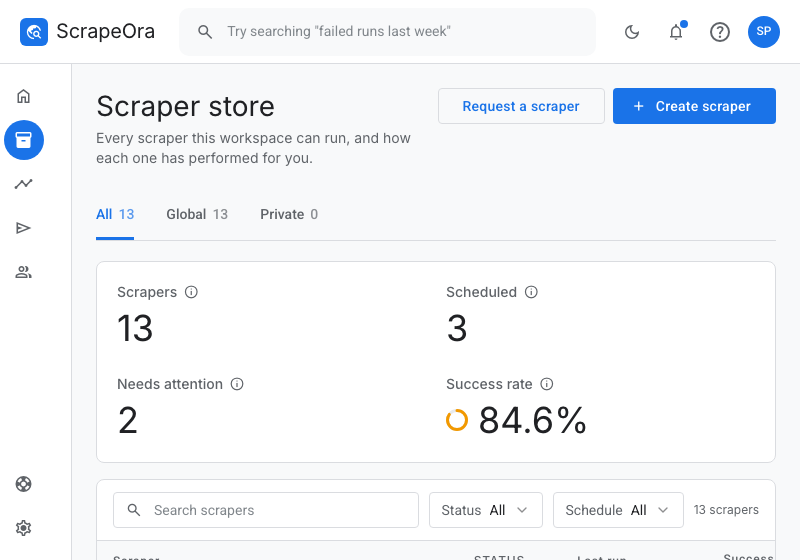
2. Paste an AliExpress product link
Paste the link to an AliExpress product. ScrapeOra reads the public product page and brings in the title, description, photos, variants, SKUs and the current price. Full listings stream in as they are found, so you can watch each one arrive.
AliExpress import is in Beta. Some AliExpress pages are served only to a residential network, so importing them uses a Premium connector on the plans that include one. Standard product pages import on any plan.
3. Set your pricing
Apply a markup rule so your Shopify price is set from the AliExpress cost automatically. You can set cost-range tiers, a minimum price, a price ending such as .99 and a compare-at price, and on higher plans an estimated import-duty line.
4. Publish to Shopify
Publish the product to Shopify with its photos and variants. If you want, rewrite the title and description in your brand voice first. Re-importing the same product later updates it rather than creating a duplicate.
5. Keep prices and stock in sync
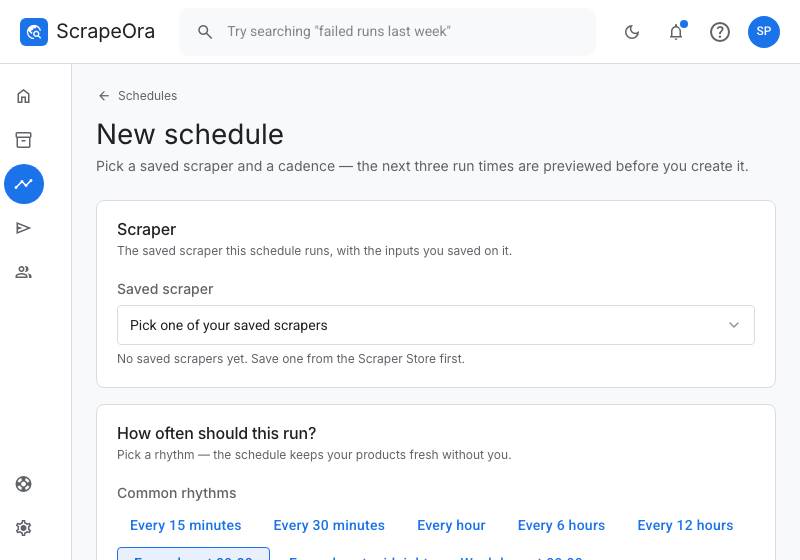
Put the product on a schedule so ScrapeOra re-reads AliExpress every few hours or every day and updates the price and stock in Shopify. Switch on the guard that only ever raises prices if you do not want a supplier drop to cut your margin.
Common problems and fixes
- The import came back empty
- Try the product's own page rather than a search or category link. If a page is only served to a residential network, import it on a plan that includes a Premium connector.
- The price looks wrong
- AliExpress shows different prices by region and variant. ScrapeOra imports the price from the page you linked; set a minimum price in your rule so an unusually low variant never underprices you.
- Can ScrapeOra place AliExpress orders?
- Automatic ordering for AliExpress is in Beta. Until it is live for your store, a manual ordering checklist is available on every plan.
Frequently asked questions
- Is AliExpress import reliable?
- It is in Beta and works well for standard product pages. If a page genuinely cannot be read, the run says so in plain words rather than importing a broken product.
- Will re-importing create duplicates?
- No. Each product is matched to a stable source key, so re-importing updates the product you already have.
- Can I import a whole AliExpress category at once?
- You can paste a category or search link to import several products, then review them before publishing. Importing one product at a time gives you the most control.